


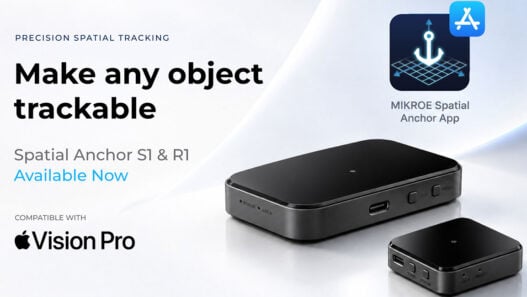
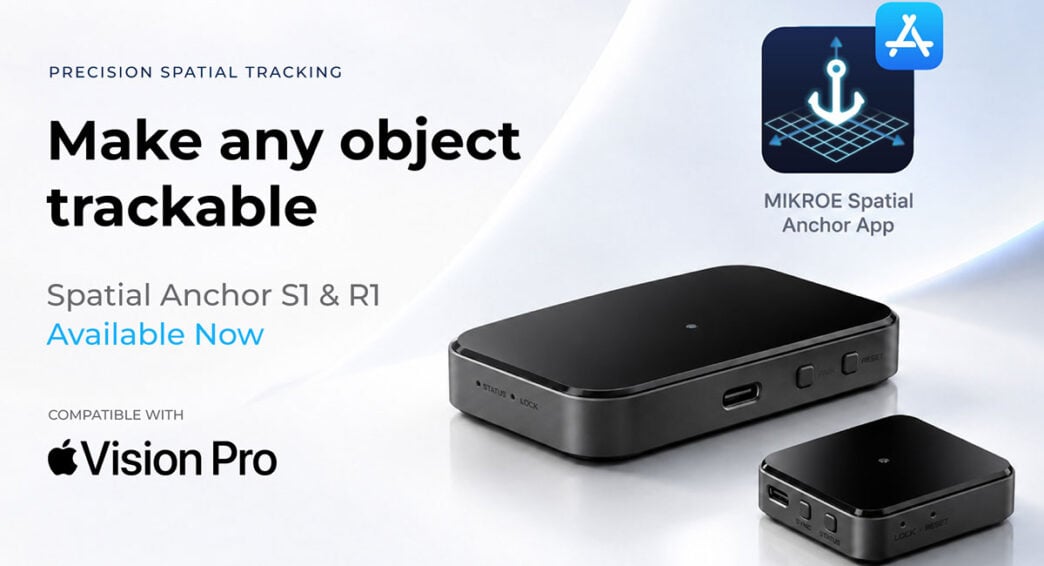
MIKROE’s Spatial Anchor S1 and Spatial Anchor R1 precise spatial accessory tracking modules for Apple’s Vision Pro are now shipping along with the MIKROE Spatial Anchor Demo app and complete documentation, enabling users to can get up and running from day one.
Spatial Anchor mounts onto any physical object – a tool, an instrument, a rig – and turns it into an element that the visionOS app can see, follow, and build around. Each module is small and self-contained, with an infrared-transparent shell over a solid base, so it attaches easily without adding noticeable weight or bulk.
Comments Nebojsa Matic, CEO of MIKROE: “Getting started takes minutes. Pair the device over Bluetooth, launch the MIKROE Spatial Anchor Demo app, and step into the immersive space. The app confirms tracking is live, lets you attach and position a 3D model relative to the anchor, and shows real-time position and orientation as the object moves.”
The S1 is palm-sized, built for easy installation in small objects like a steering wheel or joystick within arms reach from the user. The R1 is larger, giving bigger tools and rigs (like car bucks or flight simulators) visibility from more angles and distance. Both combine infrared optical tracking, inertial sensing, and low-latency wireless communication into a single reliable base – precise spatial understanding, in real time, out of the box.
Innoactive Spatial, the Immersive design review solution designed for the Apple Vision Pro, just added support for MIKROE Spatial Anchor R1 and S1, enabling high precision positioning of a virtual model with a seating buck or another physical element. Daniel Seidl, Innoactive Spatial’s Founder & CEO, adds: “We are delighted to be part of this important ecosystem.”
Spatial Anchor S1 and Spatial Anchor R1 are shipping today. The demo app and full documentation ship with them. For step-by-step setup and pairing instructions, check out the Quick Start Guide.