




With the Christmas holidays underway for many, and looming for others, Student Circuit bring you 5 more Raspberry Pi projects to keep busy.
1. Animate a scene
Learn to animate a Christmas scene of a car driving through snow. This project uses Blender, a free 3D creation suite.
You need:
- A desktop or laptop computer
- Blender software (its free)
You will learn:
- How to combine 2D and 3D assets whilst constructing a project
2. Compose a short tune
Learn to program a tune which can be used as a doorbell sound, a ringtone or an alert on a computer.
You can use the basics from this project to create a longer tune or try and replicate your favourite Christmas song!
3. Colour a 3D model
Again, this project utilises Blender to colour in a 3D printed model.
You need:
- A desktop or laptop computer
- Blender software (its free)
You will learn:
- How to design basic 2D assets
- How to design basic 3D assets
4. Code a Christmas carol
Learn how to code the carol Twelve Days of Christmas. Challenge yourself further by coding a different Christmas carol.
You will learn:
- How to apply abstraction and decomposition to resolve complex challenges
5. Create a sensor
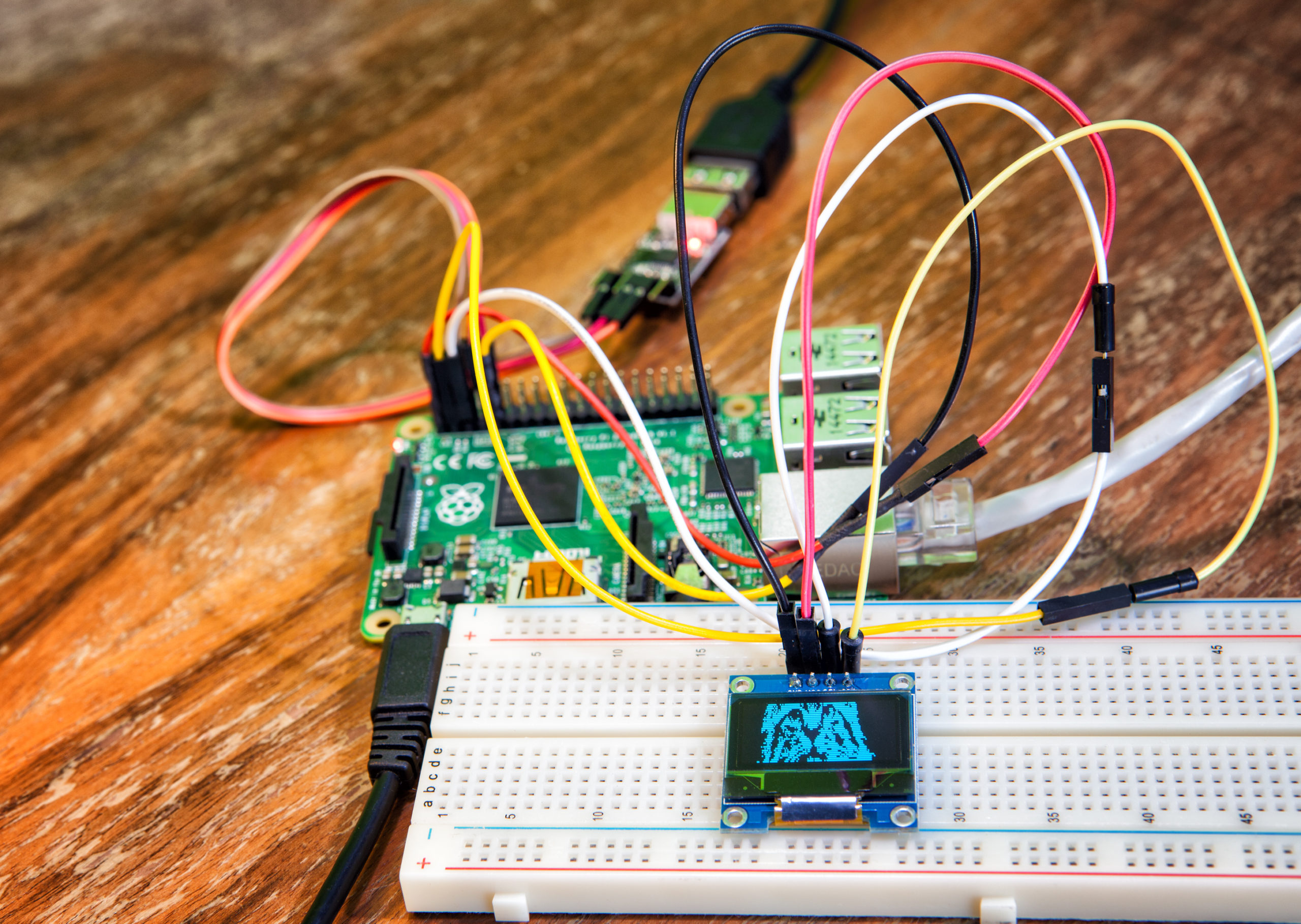
Create a sensor that sets off an alarm when it is triggered. This introduces you to simple sensors and helps you learn how to connect a PIR motion sensor to your Raspberry Pi and how to use Scratch to read the sensor.
You will need:
- A Raspberry Pi 4
- A motion sensor
- Jumper leads
- Scratch 3 software